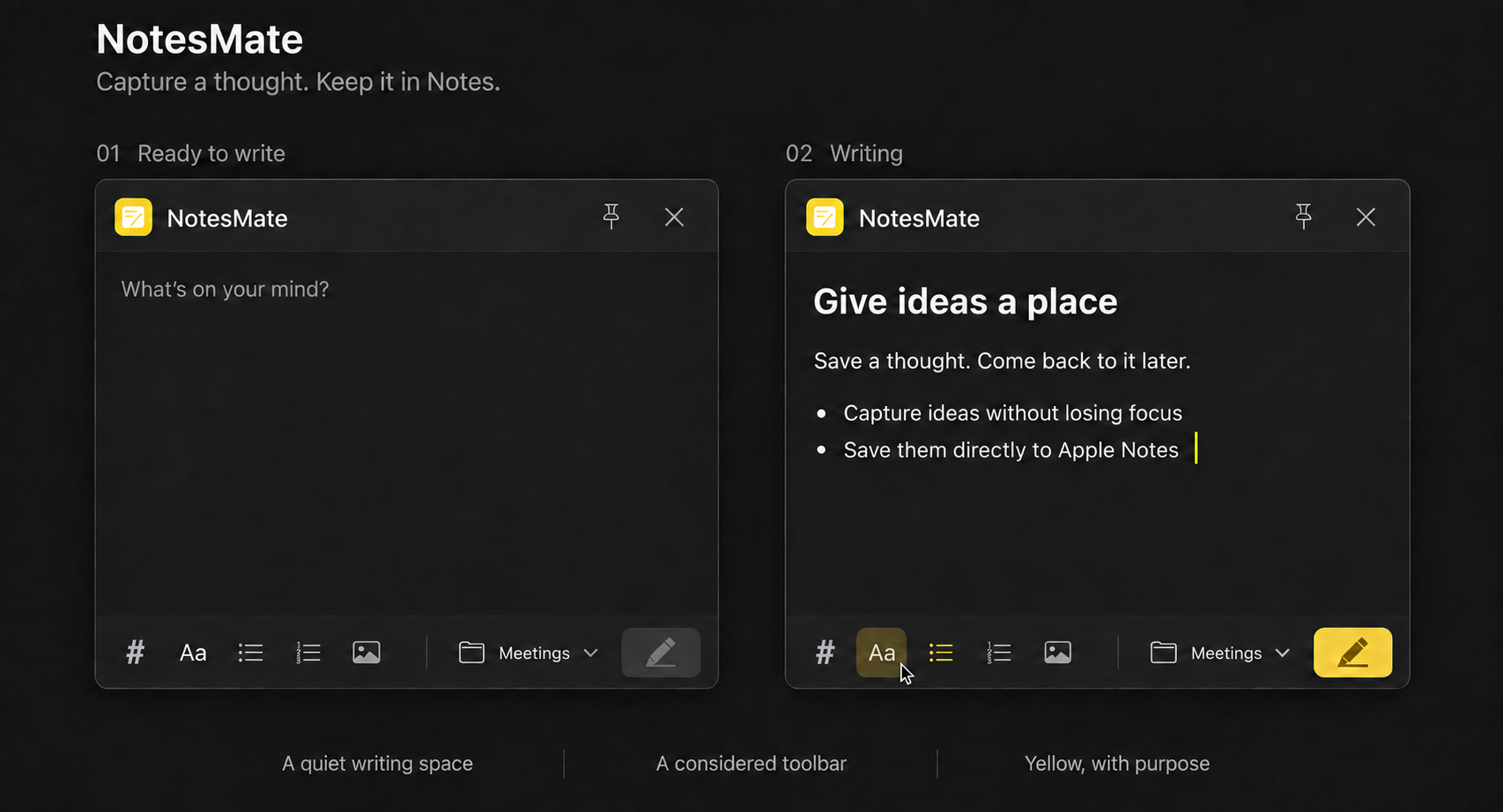
Rich text, without the fuss
Headings, multilevel lists and Markdown shortcuts. Give thoughts a little structure.
 NotesMate.
Capture a thought without losing your flow. One shortcut to write. One click to save to Apple Notes.
Download for macOS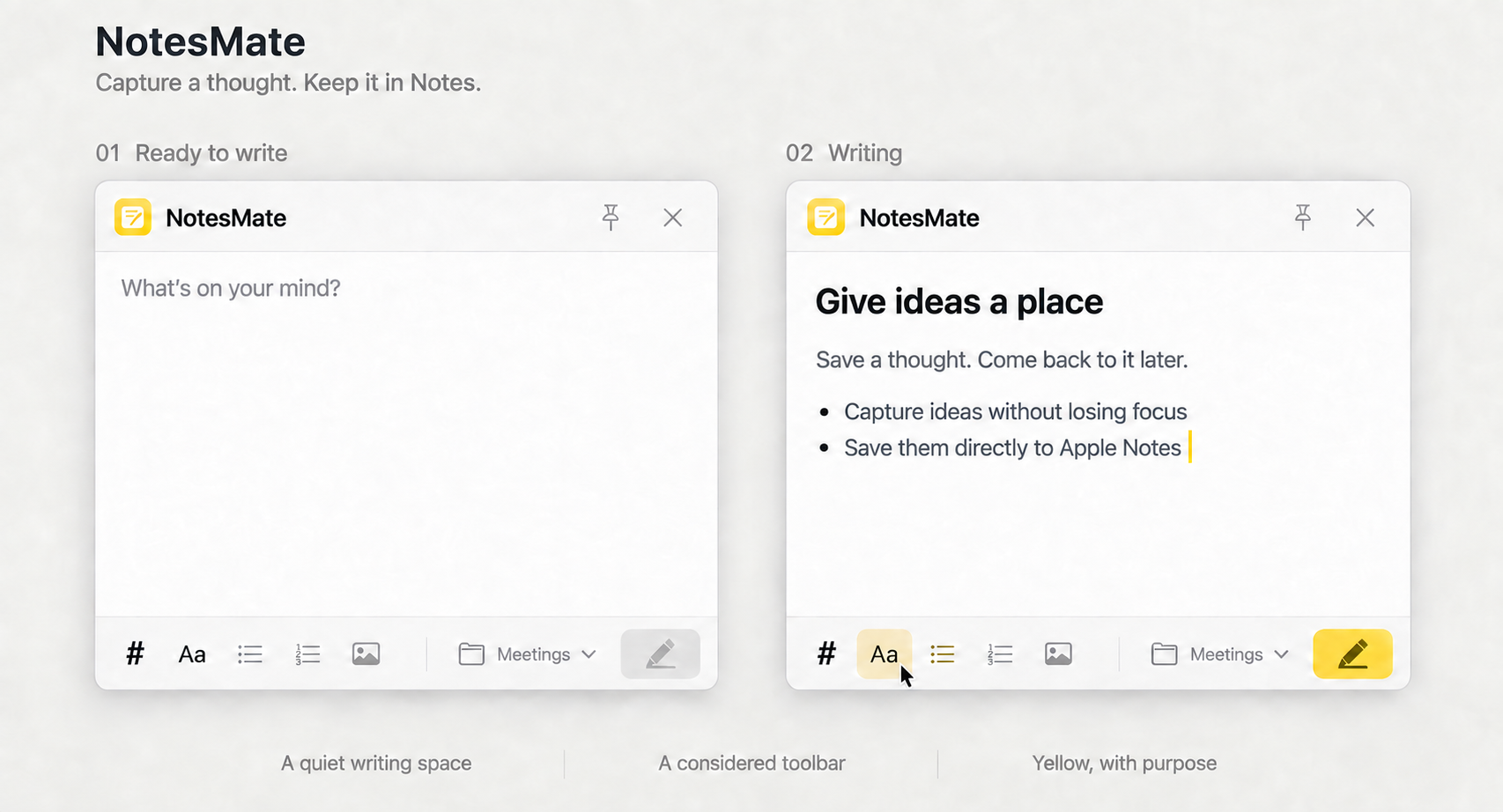
FROM THOUGHT TO NOTE
Click the menu bar icon or press ⌃⌘N. Your draft is ready where you left it.
Add words, lists, code and images in one quiet writing space.
Press ⌘↵ to save to your chosen folder. Keep notes in the app you already use.
Features
All the little things that make jotting things down feel natural.
Headings, multilevel lists and Markdown shortcuts. Give thoughts a little structure.
Paste or drag images into your note. Save text and pictures in their original order.
Unsaved drafts return after a restart, including text, formatting and original images.
Pin the window while you work. NotesMate remembers where you put it.
KEEP YOUR HANDS ON THE KEYS
GOOD TO KNOW
Requires macOS 13 or later. Download the DMG, drag NotesMate into Applications, then open it. Find it in your menu bar.
macOS asks for permission when you first save. Allow NotesMate to control Notes so it can write your note. If access is denied, your draft stays safe. You can allow access in System Settings → Privacy & Security → Automation, then try again.
NotesMate supports 15 languages and follows your macOS language preference. The website also supports all 15; choose yours in the menu at the top.